Register & Download

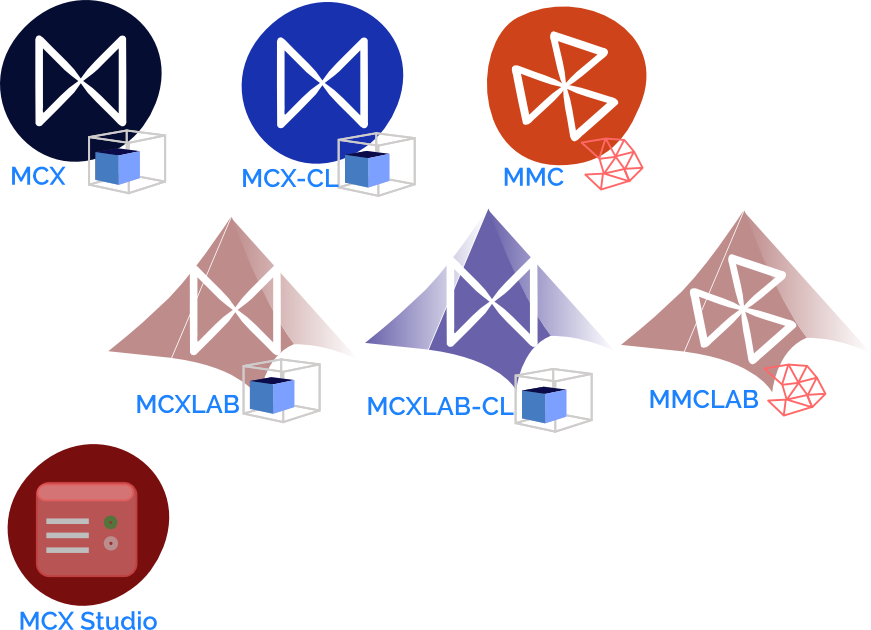
Please click on the left image to register&download the latest software. Your registration is greatly helpful for our reports to our funding agency (NIH).
- After registration, you will be forwarded to a page containing the download folders for all packages.
- Please choose the package that matches your operating system.
- Registered users have the opportunity to be notified for future releases and bug fixes.

Latest Releases

Notes on the pre-compiled binaries

  • only 64-bit Linux, Windows and MacOS (Intel and ARM based) binaries (executables, .mex files) are provided
  • all MATLAB mex files are expected to run on all versions of MATLAB, at or newer than R2012
  • Linux binaries can run on most Linux distributions released in 2014 or later
  • Linux Octave mex files are expected to run on all Octave versions 5.2 or newer
  • Windows Octave mex file were compiled on Octave 8.x, and can only run on the matching Octave version
  • MacOS running Apple processors (M1-M5) does not support NVIDIA GPU nor CUDA, you must install MCX-CL instead of MCX
  • Windows users: you are highly recommended to download and run the MCXStudio installer. It configures all paths for you automatically.
  • MCX can only run on NVIDIA GPUs. You must ensure that you have install both the GPU and the latest graphics driver; MCX does not need CUDA toolkit to run
  • MCX-CL and MMC (and their matlab mex files) requires the OpenCL support for your CPU or GPU. Most CPU/GPU made after 2010 should support OpenCL. For GPUs, the OpenCL support usually comes as part of the graphics driver; for CPU, you need to search "CPU runtime" for your model and install the extra library. To verify your system has OpenCL support, you must have OpenCL.dll (Windows) or libOpenCL.so (Linux) or libOpenCL.dylib (MacOS) on your system.
Powered by Habitat